Voice memos
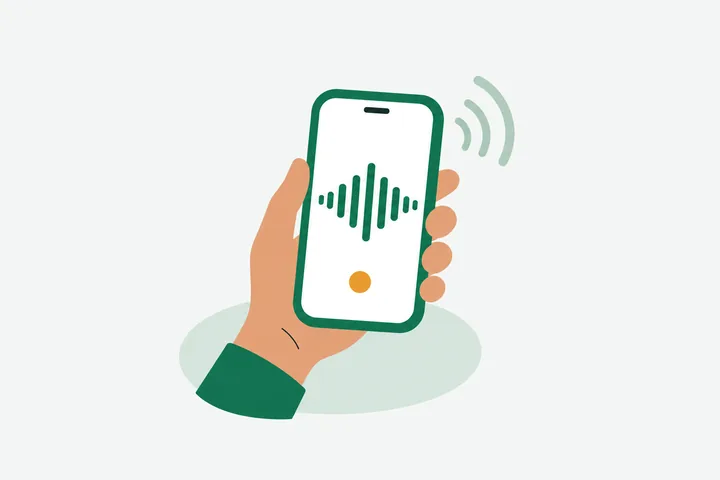
Free0:04Call the landlord about the lease, then book the van for Saturday.
Usually under 5 minutes. Upload the M4A from your phone.
Free online audio to text transcription. Upload an MP3, WAV or M4A and get a transcript with speaker labels.
Upload an audio file
MP3, WAV, M4A, MP4 and more
Try 2 files free, no sign-up · sign in free for 3 a day
AudioIntoText is a free online audio transcriber that uses AI to transcribe audio to text. Upload an MP3, WAV, M4A or MP4 file, choose the language or leave it on auto-detect, and the audio transcription appears on this page with timestamps and speaker labels. You can convert audio to text for 2 files without an account, up to 30 minutes each. A free account gives you 3 files a day and lets you edit, copy and download the audio transcript as TXT, DOCX or SRT. AudioIntoText works on audio files you upload. It is not a live dictation or voice typing app, and it does not translate. Longer files are on Pro and Max, from $5 a month.
AudioIntoText is an audio to text converter built around a few rules that many free tools skip. It works as an audio transcriber for recordings you already have: upload a file and it will turn audio into text you can read, check against the sound, and reuse. None of the six points below asks you to take our word for it. You can check each one on your first file.
You see what will be transcribed at upload, not after.
Every transcript states how much of the audio it covers.
Each voice is labeled automatically on every plan.
The audio jumps to that sentence so you can check it.
Fix words, copy, and download without paying.
One click removes the file and its transcript.
It takes three steps to transcribe audio to text with AudioIntoText, and none of them needs an install or a plug-in. The same steps work on a phone and on a computer.
Click Choose a file or drop a recording onto the page. MP3, WAV, M4A, FLAC, OGG and AAC all work, and so do MP4 and MOV videos. Before anything starts, the file card shows how long the recording is and how much of it your plan covers.
Pick the spoken language or leave it on auto-detect, then press Transcribe. AudioIntoText will convert audio to text and label each speaker in the result.
Read the transcript next to the audio player. Click any line to hear that moment and fix the words the recording made hard to catch. Then copy the text or download it. That's all it takes to turn audio into text.
Try 2 files free without an account. Sign in free for 3 files a day.
Prices exclude tax, calculated at checkout. Cancel anytime. Fair use applies to free accounts.
AudioIntoText offers free audio to text transcription at two levels. Without an account you can transcribe audio for free on 2 files every 30 days, up to 30 minutes per file, and read the full result with timestamps and speaker labels. Sign in with Google or email, still free, and you get 3 files a day, plus editing, copying and downloads in TXT, DOCX and SRT. Your transcripts stay in your account for 3 years unless you delete them.
If a file is longer than 30 minutes, the free audio to text converter still transcribes the first 30 minutes, for files up to 2 hours long. It tells you so before it starts and again on the result. Pro and Max remove that cap: Pro handles files up to 2 hours and 20 hours a month, and Max handles files up to 5 hours and 50 hours a month. Both are subscriptions you can cancel anytime, and yearly billing costs about half the monthly rate. A file that fails never counts against you.
AudioIntoText works as an MP3 to text converter with no extra steps: upload the file and it will transcribe MP3 audio as it is, so going from MP3 to transcript needs no conversion on your side. The same upload box takes the other common formats, and converting an audio file to text works the same way whether the recording came from a phone, a handheld recorder or a video call.
WAV to text is useful for studio and dictaphone recordings, and M4A covers iPhone Voice Memos. For MP4 and MOV videos, AudioIntoText transcribes the audio track and ignores the picture. Files can be up to 1 GB. If you transcribe audio files often, a free account gives you 3 a day.
| MP3 | Podcasts, downloads, most recorders | |
|---|---|---|
| WAV | Studio and dictaphone recordings | Large files; uploads take longer |
| M4A | iPhone Voice Memos, Apple devices | |
| FLAC | Lossless archives | |
| OGG | Voice messages from chat apps | |
| AAC | Phone and camera recordings | |
| MP4, MOV | Screen recordings, video calls, camera footage | Only the audio track is transcribed |
Every transcript from audio you upload comes in short paragraphs, each with a timestamp and a speaker label, so you can transcribe audio to text with timestamps without any setup. The audio transcript sits next to a player: click a line and playback jumps to that moment, which makes it quick to confirm a quote or a name.
With a free account you can edit the text in place, rename Speaker 1 and Speaker 2 to real names once and have it apply everywhere, copy the whole transcript, or download TXT for notes, DOCX for Word and SRT for subtitles. If only part of a long file was transcribed, the transcript says exactly how much, at the top and again at the end.
You can transcribe an audio recording to text in the same three steps whatever its source: a phone, a recorder or a call. Turning a voice recording to text is no different. What changes is how long the file is and what you need from the result. Find your kind of recording below to see which plan covers it.
0:04Call the landlord about the lease, then book the van for Saturday.
Usually under 5 minutes. Upload the M4A from your phone.
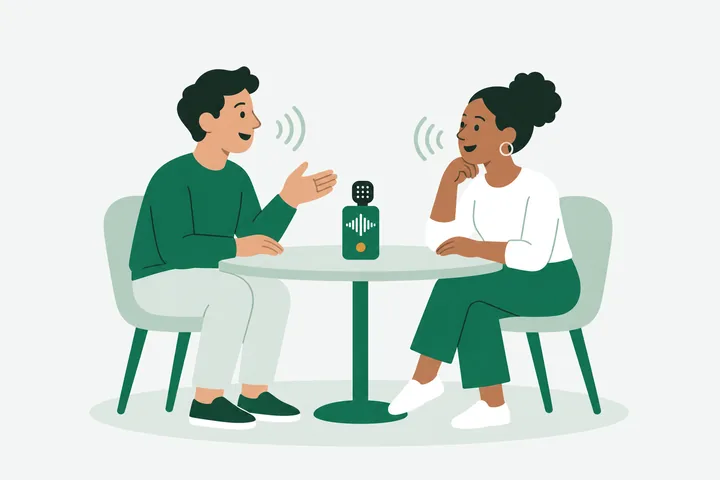
Speaker 1What changed after the launch?
Speaker 2Mostly who was calling us.
30 to 60 minutes. Speaker labels and click-to-play for quoting.
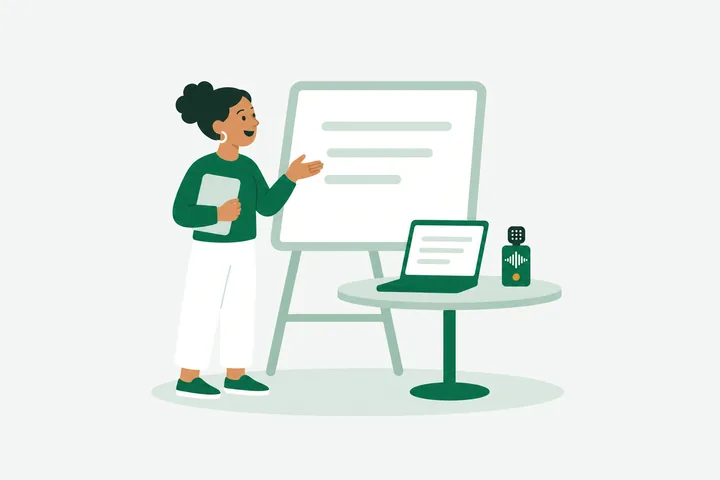
52:10So the second proof uses the same lemma, applied to the boundary.
1 to 2 hours. The whole recording, with nothing cut at the end.

Speaker 1Who owns the vendor follow-up?
Speaker 3I'll send it by Thursday.
See who said what without replaying the call.
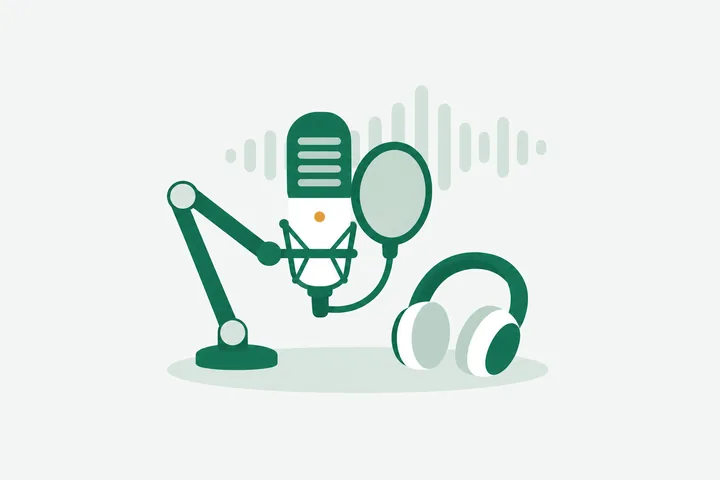
12:31Welcome back. Today we're talking about soil, and why it matters.
30 to 90 minutes. Edit the text, then export for show notes.
How accurate an AI transcript is depends mostly on the recording. Clear speech close to the microphone transcribes well. Crosstalk, heavy background noise, and rare names or technical terms are where any AI audio transcription makes mistakes. That is why AudioIntoText keeps the audio next to the text: you can click a doubtful line, listen, and fix it on the spot instead of trusting it blindly.
Two things help before you upload. Record as close to the speaker as you can. And choose the spoken language yourself if the recording mixes languages or opens with silence, because auto-detect can miss mixed or quiet openings. AudioIntoText transcribes in the language that is spoken and does not translate. The language menu lists the languages with the strongest accuracy results, and auto-detect recognizes many more.
Here is what we measured. In November 2026 we tested three public English recordings, about 10,900 words in all: part of a NASA podcast interview, a 46-minute Supreme Court argument with 11 speakers, and the opening statement of a Federal Reserve press conference. About 7 words in 100 came out wrong, a word error rate of 6.80%. Your recordings may do better or worse, for the reasons above. In the same tests, once the upload had finished, the 46-minute recording was ready in about a minute or less. Treat that as a guide, not a promise.
Transcription is done by AssemblyAI, a speech-to-text company. On our current AssemblyAI plan, AssemblyAI may use uploaded audio to improve its models; its terms of service explain how. When your transcript is finished, we ask AssemblyAI to delete it, and AssemblyAI deletes its copy of the audio under its own rules, usually within 24 to 48 hours. We do not sell your files, and we do not use them to train any model of our own.
Files uploaded without an account are deleted automatically 24 hours after upload, along with their transcripts. With an account, your audio and transcripts are kept for 3 years so you can come back to them, and you can delete any file yourself at any time. Deleting removes both the audio and the text from our storage. Uploads travel over an encrypted connection. The privacy policy lists everything we collect and who processes it.
24 hours
Files uploaded without an account are deleted automatically.
3 years
Account files are kept so you can come back, unless you delete them sooner.
Anytime
With an account, delete a file yourself and its audio and transcript are both removed from our storage.
| Input | MP3, WAV, M4A, FLAC, OGG, AAC, MP4 or MOV, up to 1 GB |
|---|---|
| Output | Transcript with timestamps and speaker labels; TXT, DOCX, SRT |
| Free without an account | 2 files every 30 days, up to 30 minutes each, view only |
| Free account | 3 files a day, up to 30 minutes each, with editing, copy and downloads |
| Pro | Files up to 2 hours, 20 hours a month; $9.99 a month or $59.99 a year |
| Max | Files up to 5 hours, 50 hours a month; $19.99 a month or $119.99 a year |
| Languages | Transcribes in the spoken language; auto-detect or manual choice; no translation |
| Files kept | 24 hours without an account; 3 years with an account, or until you delete them |
AudioIntoText transcribes audio to text for free: 2 files every 30 days without an account, 3 a day with one, up to 30 minutes each. Upload your file on this page and press Transcribe. Reading the transcript is free either way. Copying, downloading and editing need the free account, and longer files need Pro or Max. Prices exclude tax, which is calculated at checkout by your location.
The easiest way to transcribe audio to text is to upload the recording to an online tool and let it do the typing. On AudioIntoText that is one upload and one button, with nothing to install. The transcript appears on the same page with timestamps and speaker labels, next to a player for checking it.
Save the recording from Voice Memos to Files, or share it to yourself, then open AudioIntoText in your browser and choose that file. Voice Memos are M4A files, which upload as they are. The transcript appears on the page, and with a free account you can copy it into Notes or download it.
No. AudioIntoText lets you transcribe 2 files every 30 days and read the full transcripts without an account. A free account, with Google or email, raises that to 3 files a day and adds editing, copying and downloads. Paid plans are only needed for files longer than 30 minutes or for heavier use.
AudioIntoText transcribes the first 30 minutes and tells you before it starts. The file card shows how long your recording is and how much the free plan covers, and the transcript states how much was transcribed, for example 30:00 of 46:11. Upgrading to Pro or Max unlocks the rest of that same file without uploading it again.
Not yet. AudioIntoText transcribes audio in the language that is spoken and does not translate it into another language. If you need a translation today, transcribe the recording first, then paste the text into a translation tool.
Yes, with limits. As of November 2026, Word's Transcribe feature is part of Microsoft 365 and allows up to 300 minutes of uploaded audio a month. Microsoft's help page says it is only available in Word for Microsoft 365 on Windows for commercial tenants; for government tenants, it is only in Word for the web. Its system requirements say Transcribe only works in the new Microsoft Edge and Chrome, and needs an internet connection. It accepts .wav, .mp4, .m4a and .mp3 files. AudioIntoText needs no Office subscription: upload the recording here, then download the transcript as a DOCX file and open it in Word.
Partly. As of November 2026, voice typing in Google Docs only takes speech from your microphone, so it cannot transcribe a file you already have. The free Gemini app accepts audio files up to 10 minutes long (3 hours with Google AI Pro or Ultra, 100 MB per file). YouTube makes automatic captions for videos you upload there. For a longer file with timestamps and speaker labels next to the audio, upload it to AudioIntoText instead.
Files uploaded without an account are deleted automatically after 24 hours. With an account, open the file and choose Delete, which removes the audio and its transcript right away. Otherwise your files stay in your account for 3 years so you can return to them.